Stellar Conflict
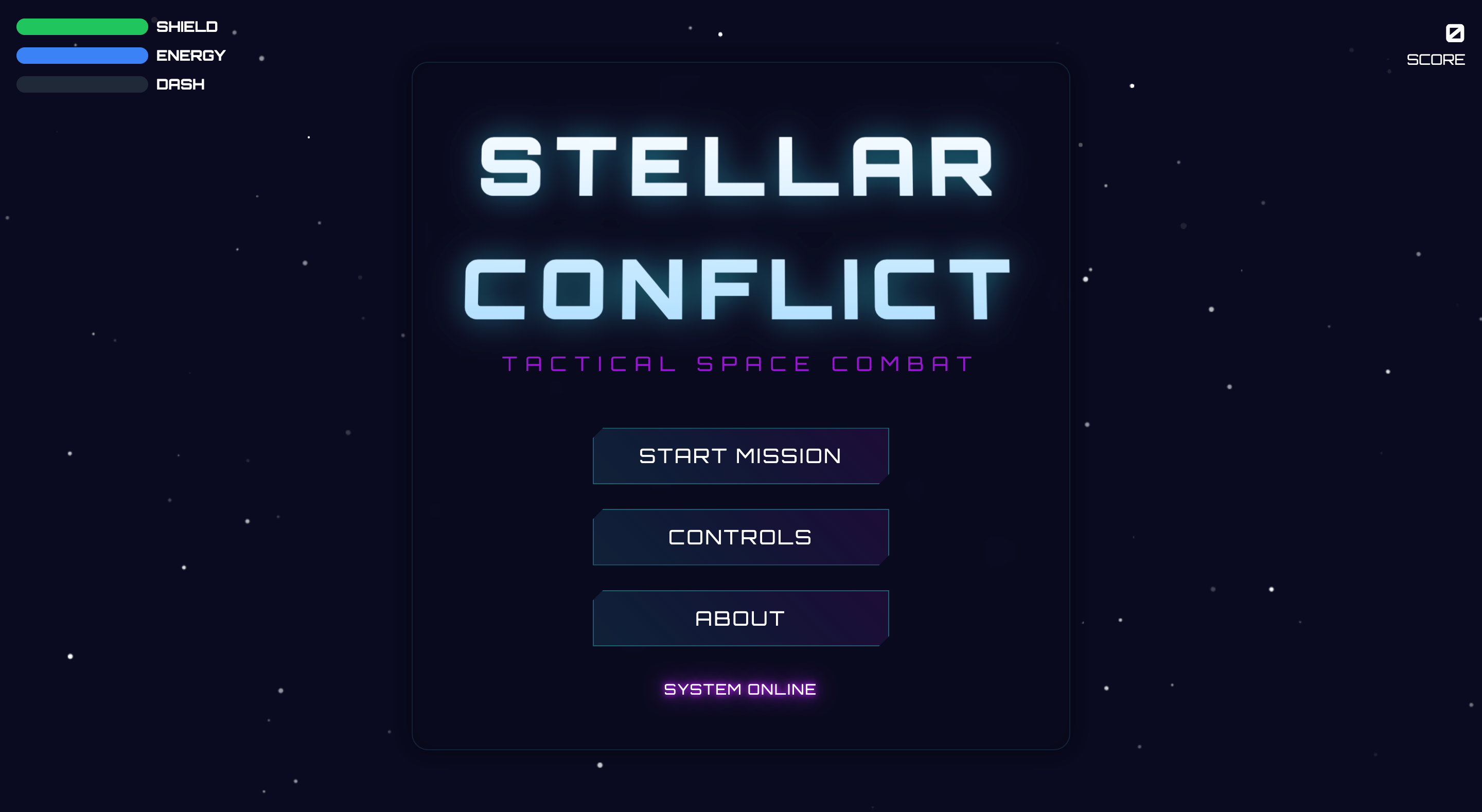
A modern space shooter game built with JavaScript and HTML5 Canvas. Features optimized performance, modern build system, and modular architecture.
Features
- Smooth gameplay with optimized performance
- Object pooling for projectiles and explosions
- Spatial partitioning for efficient collision detection
- Visual feedback and effects
- Combo system with score multipliers
- Power-up system (shield, rapid fire, multishot)
- Player upgrade system — earn XP, level up, and choose stat boosts
- Energy regeneration with a guaranteed energy regen boost on every level-up
- Multiple enemy types including the high-speed 'charger' enemy
- Animated starfield parallax background
- Enhanced modal animations for controls and about screens
- Mobile-friendly controls
- State management system
- Asset preloading and caching
- Error handling and recovery
- Pause functionality with options menu
Tech Stack
- Vite for bundling and development
- TailwindCSS for styling
- ESLint + Prettier for code quality
- Modern JavaScript (ES6+)
Project Structure
code
stellar-conflict/
├── src/
│   ├── scripts/
│   │   ├── core/           # Core game systems
│   │   │   ├── game.js
│   │   │   ├── renderer.js
│   │   │   └── assetManager.js
│   │   ├── entities/      # Game entities
│   │   │   ├── player.js
│   │   │   ├── enemy.js
│   │   │   ├── projectile.js
│   │   │   ├── powerup.js
│   │   │   └── explosion.js
│   │   ├── states/       # Game states
│   │   │   ├── gameState.js
│   │   │   ├── menuState.js
│   │   │   ├── playingState.js
│   │   │   ├── pausedState.js
│   │   │   └── gameOverState.js
│   │   └── utils/        # Utility functions
│   │       ├── constants.js
│   │       ├── collision.js
│   │       ├── tutorial.js
│   │       ├── audio.js
│   │       ├── storage.js
│   │       ├── achievements.js
│   │       ├── particles.js
│   │       └── helpers.js
│   ├── assets/           # Game assets
│   ├── styles/          # CSS styles
│   └── index.html       # Main HTML file
├── public/             # Static assets
├── dist/              # Production build
└── config files
Getting Started
Prerequisites
- Node.js 14.0.0 or higher
- npm or yarn
- A modern web browser
Installation
- Clone the repository:
code
git clone https://github.com/Rahul-Sahani04/Mini-Space-Shooter.git
cd Mini-Space-Shooter- Install dependencies:
code
npm install- Start development server:
code
npm run dev- Open your browser and navigate to
http://localhost:3000
Available Scripts
npm run dev- Start development servernpm run build- Build for productionnpm run lint- Lint code
Building for Production
code
npm run buildThe production build will be in the dist directory.
Development
Code Style
The project uses ESLint and Prettier for code formatting. Configure your editor to:
- Format on save using Prettier
- Show ESLint errors/warnings
Making Changes
- Create a new branch for your feature:
code
git checkout -b feature/your-feature-name- Make your changes and ensure they follow the coding standards:
code
npm run lint- Test your changes:
code
make test- Commit your changes:
code
git add .
git commit -m "feat: add your feature"
Adding New Features
- Add new entities in
src/scripts/entities/ - Add new game states in
src/scripts/states/ - Add new utilities in
src/scripts/utils/ - Update tests accordingly
Contributing
- Fork the repository
- Create your feature branch (
git checkout -b feature/AmazingFeature) - Commit your changes (
git commit -m 'feat: add some AmazingFeature') - Push to the branch (
git push origin feature/AmazingFeature) - Open a Pull Request
License
This project is licensed under the MIT License - see the LICENSE file for details.
Acknowledgments
- Space assets from PixelSpaceRage pack
- Sound effects from Space Music Pack
- Font Awesome for icons
- TailwindCSS for UI styling